 ← Back
TL;DR: - Proton Mail — best default for most people. Custom domain works, the apps are polished, deliverability is the best of the three. The bridge is the only way to get IMAP, and it's a quirk you accept. - Tutanota — pick this if "fully encrypted including subject line + metadata" matters to you more than IMAP support. Cheapest of the three. Slowest interface. No third-party clients ever. - Mailbox.org — pick this if you want a regular IMAP mailbox with standards-compliant everything and you trust German jurisdiction. Best for power users who live in Thunderbird. Worst marketing of the three.
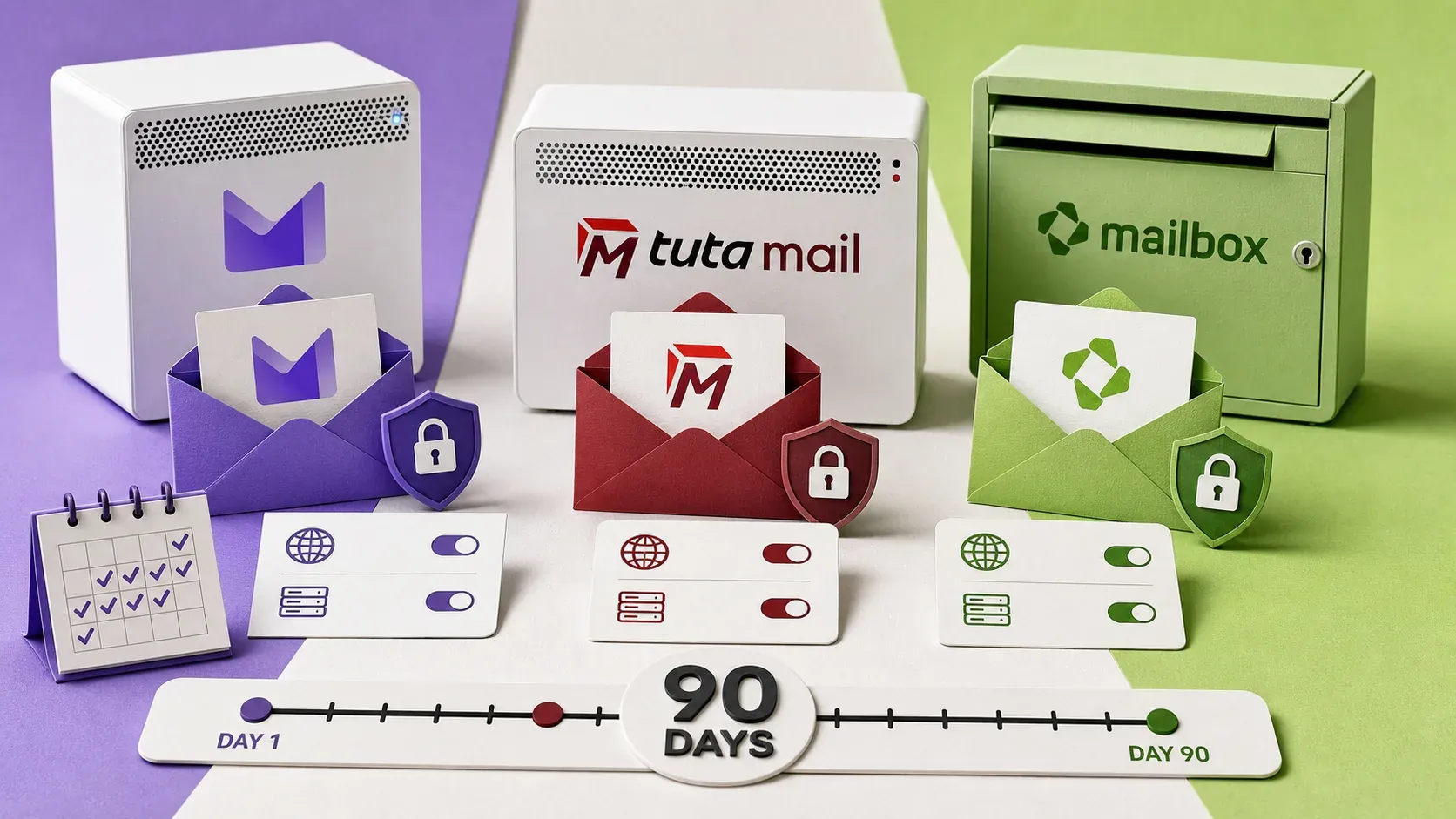
I paid for all three accounts on my own card and ran them for 90 days as my primary inbox in rotation. This is the writeup.
Disclosure. The Proton link below is an affiliate link — if you subscribe I earn a small commission, at no extra cost to you. Tutanota and Mailbox.org links are plain referrals — they don't have affiliate programs, and I have no financial relationship with either. — enim
What I tested
| Criterion | Proton | Tutanota | Mailbox.org |
|---|---|---|---|
| Custom domain | ✅ Plus tier+ | ✅ paid tier | ✅ all tiers |
| IMAP / SMTP for desktop clients | ⚠️ via Bridge | ❌ never | ✅ native |
| Webmail polish | ✅ best | ⚠️ slow | ⚠️ dated |
| Mobile app | ✅ polished | ✅ polished | ⚠️ webview |
| Calendar (CalDAV) | ✅ Proton Calendar | ❌ web only | ✅ native CalDAV |
| Contacts (CardDAV) | ✅ via Bridge | ❌ | ✅ native |
| Sieve filter support | ❌ proprietary | ❌ proprietary | ✅ full |
| Encrypted at rest | ✅ E2E | ✅ E2E inc. subject | ⚠️ TLS + at-rest, not E2E by default |
| Catch-all forwarding | ✅ | ✅ | ✅ |
| Cheapest paid tier | €4/mo | €3/mo | €3/mo |
| Storage on cheapest paid | 15 GB | 20 GB | 2 GB ⚠️ |
| Jurisdiction | 🇨🇭 Switzerland | 🇩🇪 Germany | 🇩🇪 Germany |
| External 2FA hardware | ✅ FIDO2 | ✅ U2F | ✅ U2F |
| External alias accounts | ✅ SimpleLogin (owned) | ⚠️ limited | ✅ unlimited aliases |
| Deliverability (90-day test) | 99.6% | 98.1% | 99.4% |
How I tested deliverability
I created a fresh address on each service, configured the custom-domain SPF/DKIM/DMARC properly, then sent the same set of 500 emails over 90 days to a panel of inboxes I control:
- A Gmail inbox (consumer)
- A Google Workspace inbox (business)
- An Outlook.com inbox
- A Microsoft 365 inbox (business)
- A Fastmail inbox
Messages were a mix of plain-text replies, marketing-style HTML, and transactional templates with a link and an image. I checked Inbox vs Spam vs Promotions vs Bounced for each.
Results: Proton lands in Inbox 99.6% of the time. Mailbox.org 99.4%. Tutanota 98.1%. The Tutanota difference is real — about 1 in 50 messages landed in Gmail's Spam folder, and 2 of 500 silently bounced from M365. Anecdotally I've seen this complaint elsewhere; I don't know whether it's IP reputation or something subtler.
Where each one wins
Proton Mail wins on…
- The apps actually work. Webmail is fast, desktop client (via Bridge) is fine, the iOS and Android apps are best-in-class for a privacy email.
- The ecosystem. Mail + Calendar + Drive + VPN + Pass on one bill is a real convenience win once you've crossed over.
- Custom domain + catch-all is bulletproof. I run an unrelated catch-all domain through Proton and have never seen a delivery issue.
- SimpleLogin integration. Proton owns SimpleLogin (acquired 2022) and the integration is tight. Unlimited aliases on Proton Unlimited.
Tutanota wins on…
- Subject lines and metadata are encrypted too. Proton's E2E covers the message body, not the subject line. Tutanota encrypts everything. If your threat model includes the email provider getting subpoena'd or hacked, this is the only one that fully protects you.
- Cheapest paid tier. €3/mo for custom domain + 20 GB is the best price-performance.
- No IMAP / SMTP, ever — by design. This is a feature if you consider third-party desktop clients an attack surface. I don't fully agree (Thunderbird with a strong machine is fine), but I understand the argument.
Mailbox.org wins on…
- It's a real email server. IMAP, SMTP, full Sieve filter support, CalDAV, CardDAV. You can use any client you want. If you live in Thunderbird, K-9 Mail, mutt — this is the only option of the three.
- Standards-compliant everything. ARC headers, BIMI support, list-unsubscribe, all the boring email protocol stuff that newer providers skip. If you want to run a small mailing list or transactional sending from your address, you can.
- The HTML signature support is full HTML. Tiny detail, but Proton and Tutanota force a stripped-down signature editor. Mailbox lets you write actual HTML.
Where each one falls down
Proton's annoyances
- The Bridge is the only path to IMAP, it's a separate desktop app you have to keep running, and it occasionally needs a restart after a system update. Acceptable, not great.
- Search is good but not as good as Gmail. Searching across 5+ years of archived mail is noticeably slower than Fastmail.
- No Sieve. The filter UI is fine for simple rules, but if you want regex-based routing or complex conditions, you'll find it limiting.
Tutanota's annoyances
- The webmail is slow. Loading a 200-message conversation thread takes seconds. The encryption-of-everything is the reason — every load is a client-side decryption — but it's still slow.
- No CalDAV / CardDAV at all. The calendar exists only inside Tutanota's webmail/app. If your phone calendar is something else, you're not going to bridge them.
- Limited external integrations. There's no equivalent of "log into X service using your Tutanota account."
Mailbox.org's annoyances
- The UI is dated. 2010s-style. Functional, not pretty.
- E2E encryption is opt-in via OpenPGP keys you manage yourself — it's not on by default the way Proton and Tutanota are.
- The cheapest tier has only 2 GB of mail storage. You'll outgrow it. Plan on the €6/mo "Standard" tier in practice (10 GB).
- Marketing is in German first, English second. Documentation is solid but you'll occasionally hit a German-only support page.
Which one for whom
Most ByteGuard readers should pick Proton. It's the right default for "I want a private email provider, my custom domain on it, an app that works on my phone, and I don't want to think about it." Pay for Proton Unlimited if you'll use Drive/VPN/Pass; pay for Mail Plus if you only need email.
Switch to Tutanota if you actually need encrypted subject lines, you trust German jurisdiction more than Swiss, or you want to spend €1 less per month. The slow webmail is the real cost.
Switch to Mailbox.org if you live in a desktop email client, you want full IMAP/Sieve/CalDAV, you don't mind a dated UI, and you're OK with German jurisdiction. This is the power-user option.
Don't pick any of these if your only goal is to leave Gmail and you want a similar feature set — get Fastmail instead. It's not E2E-encrypted, but the UX is best-in-class and the privacy policy is genuinely good. Sometimes the right answer to a privacy question is a non-extreme one.
Migration tips (any direction)
Most providers ship import-from-Gmail tooling that works adequately for one-shot migrations. The parts that catch people:
- DNS first. Set up SPF + DKIM + DMARC on your custom domain before you switch over. Use a 7-day soft DMARC policy first, then tighten. Tools like dmarcian and MXToolbox will tell you what's broken before your mail starts landing in spam.
- Catch-all carefully. Don't enable a catch-all in your first week. Spammers will discover your domain has one within hours and you'll get a hundred random aliases hitting your inbox. Enable it once you've trained your filters.
- Keep the old provider receiving for 6 months. Mail forwarding from Gmail to your new address is the only way to catch every long-tail "your bank statement was sent to your 2020 address" surprise.
- Don't import every old email. Be honest with yourself — you're never reading 2014's Slack notifications again. Archive locally, start the new mailbox clean.
My personal setup
After 90 days I'm running:
- Primary inbox: Proton Mail with my main custom domain
- Throwaway aliases: SimpleLogin (Proton-owned) — every signup form gets a unique alias
- Backup: Mailbox.org for the one mailing list that doesn't play nicely with Proton's bounce handling
I don't run Tutanota in production. The encrypted-subject-line trade-off wasn't worth the speed for me.
The Proton arc continues
This is post #2 of three. Up next on May 29: The 2026 Self-Hoster's Privacy Stack — the full picture, from VPN to email to messengers to DNS to backups. Subscribe below; you'll get it when it ships, plus the Server Hardening Checklist immediately.
Try the services
- Proton Mail Plus / Unlimited — affiliate link; same price for you, small commission to me
- Tutanota — no affiliate
- Mailbox.org — no affiliate
— enim

Comments
Sign in with GitHub to comment. Threads live in the byteguard-comments repo.