 ← Back
Install and configure Fail2Ban to automatically block IPs that brute-force your SSH, Nginx, or other services. Includes custom jails for web services, aggressive repeat-offender banning, Docker integration, and email alert setup.
Every public-facing server is a target. SSH brute-force bots, WordPress login scanners, API credential stuffers — they run 24/7 against every IP on the internet. Your firewall blocks unauthorized ports, but what about the ports you intentionally keep open?
This guide is part of our Self-Hosting Series — step-by-step guides for running your own services on a VPS.
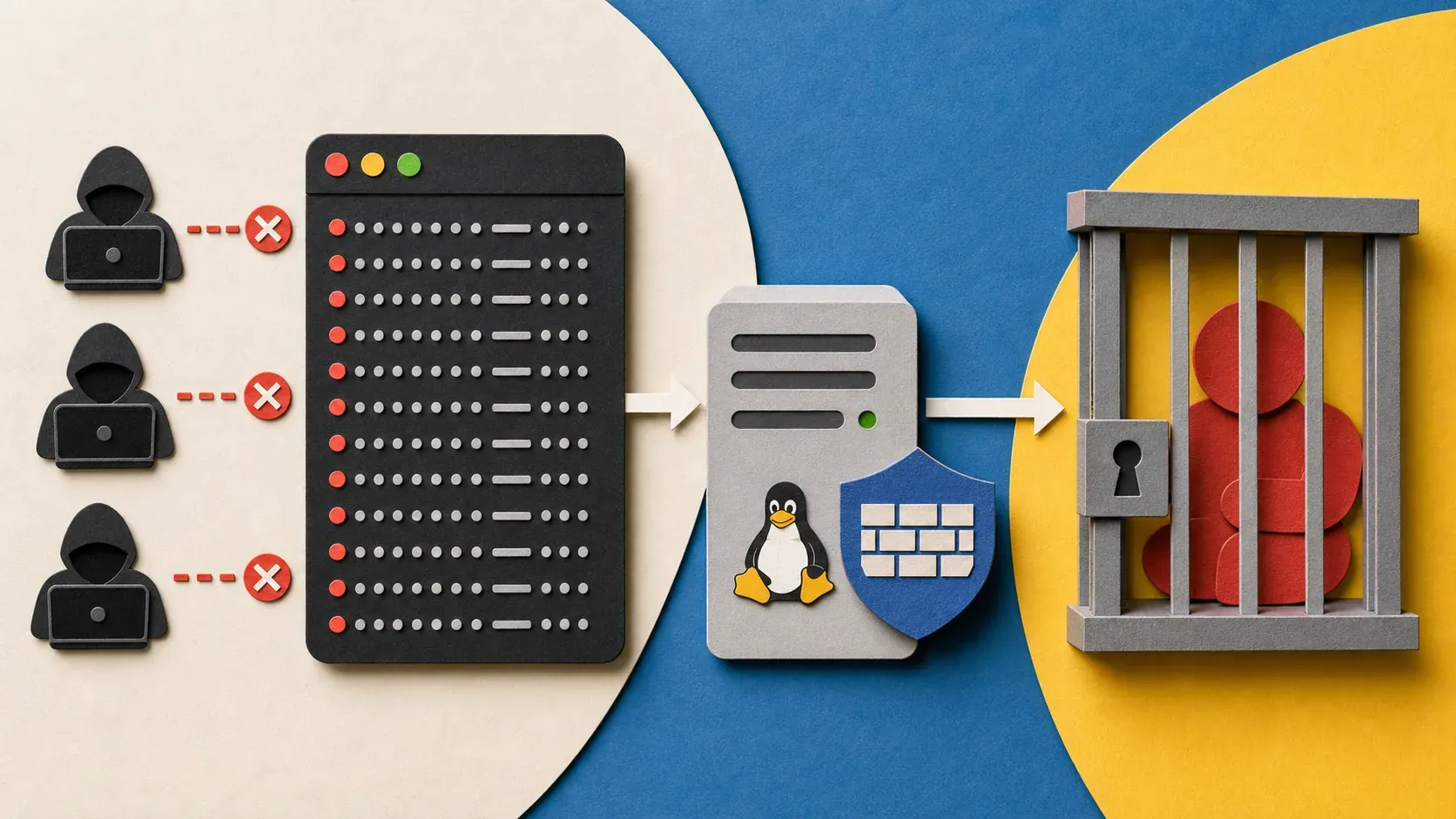
Fail2Ban watches your log files for failed authentication attempts and automatically bans offending IPs. It's the automated bouncer for your server. This Fail2Ban setup guide covers installation, SSH jail configuration, custom jails for web services, Docker integration, and email alerts.
I run Fail2Ban on the same Hetzner VPS that hosts this blog, and it bans hundreds of IPs per week — all without any manual intervention.
What Do You Need to Set Up Fail2Ban?
- A Linux VPS running Ubuntu 22.04/24.04 or Debian 12
- Root or sudo access
- SSH hardened (my SSH hardening guide covers the full setup)
- Basic understanding of log files and firewall rules
How Do You Install Fail2Ban on Ubuntu/Debian?
sudo apt update && sudo apt install fail2ban -y
Fail2Ban installs but doesn't configure any jails by default (on modern Ubuntu/Debian). Start and enable the service:
sudo systemctl enable fail2ban
sudo systemctl start fail2ban
Check it's running:
sudo systemctl status fail2ban
How Does Fail2Ban Work?
Before configuring, understand how the pieces fit together:
- Jails — define what to monitor and what to do. Each jail watches a specific log file with a specific filter.
- Filters — regex patterns that match failed authentication attempts in log files.
- Actions — what happens when the threshold is reached (ban IP, send email, etc.).
- Ban logic — if an IP triggers
maxretryfailures withinfindtimeseconds, it's banned forbantimeseconds.
Config files: - /etc/fail2ban/jail.conf — defaults. Never edit this — it gets overwritten on updates. - /etc/fail2ban/jail.local — your overrides. This is where all your config goes. - /etc/fail2ban/jail.d/*.conf — additional jail files (also override-safe). - /etc/fail2ban/filter.d/*.conf — filter definitions (regex patterns).
How Do You Configure the Fail2Ban SSH Jail?
Create your local config:
sudo tee /etc/fail2ban/jail.local << 'EOF'
[DEFAULT]
# Ban for 1 hour
bantime = 3600
# Window of time to count failures
findtime = 600
# Max failures before ban
maxretry = 3
# Use UFW for banning (change to iptables if not using UFW)
banaction = ufw
# Ignore your own IP (replace with yours)
ignoreip = 127.0.0.1/8 ::1

[sshd]
enabled = true
port = ssh
filter = sshd
logpath = /var/log/auth.log
maxretry = 3
bantime = 3600
EOF
If you changed your SSH port (as recommended in my SSH hardening guide), update the port:
[sshd]
enabled = true
port = 2222
filter = sshd
logpath = /var/log/auth.log
maxretry = 3
bantime = 3600
Restart Fail2Ban to apply:
sudo systemctl restart fail2ban
Check the jail status:
sudo fail2ban-client status sshd
Expected output:
Status for the jail: sshd
|- Filter
|  |- Currently failed: 2
|  |- Total failed:     47
|  `- File list:        /var/log/auth.log
`- Actions
   |- Currently banned: 1
   |- Total banned:     12
   `- Banned IP list:   203.0.113.42
How Do You Set Up Aggressive Banning for Repeat Offenders?
The default 1-hour ban is fine for casual bots. But some IPs come back repeatedly. Add a recidive jail that escalates bans:
sudo tee -a /etc/fail2ban/jail.local << 'EOF'

[recidive]
enabled = true
filter = recidive
logpath = /var/log/fail2ban.log
bantime = 604800    # 1 week
findtime = 86400    # 24 hours
maxretry = 3        # 3 bans in 24 hours = 1 week ban
banaction = ufw
EOF
This watches Fail2Ban's own log. If an IP gets banned 3 times in 24 hours, it gets a 1-week ban. Persistent attackers get escalating consequences.
How Do You Create Custom Fail2Ban Jails for Web Services?
Nginx HTTP Auth
If you protect any web services with HTTP basic auth:
sudo tee -a /etc/fail2ban/jail.local << 'EOF'

[nginx-http-auth]
enabled = true
filter = nginx-http-auth
logpath = /var/log/nginx/error.log
maxretry = 3
bantime = 3600
EOF
Nginx Rate Limiting
Create a custom filter for Nginx 429 responses:
sudo tee /etc/fail2ban/filter.d/nginx-limit-req.conf << 'EOF'
[Definition]
failregex = limiting requests, excess:.* by zone.*client: <HOST>
ignoreregex =
EOF
Add the jail:
sudo tee -a /etc/fail2ban/jail.local << 'EOF'

[nginx-limit-req]
enabled = true
filter = nginx-limit-req
logpath = /var/log/nginx/error.log
maxretry = 5
bantime = 600
EOF
Ghost (or any web app) Login Protection
Create a custom filter that watches for repeated 401/403 responses:
sudo tee /etc/fail2ban/filter.d/ghost-login.conf << 'EOF'
[Definition]
failregex = ^<HOST> .* "POST /ghost/api/.*/session" (401|403)
ignoreregex =
EOF
Add the jail (adjust the log path to your Nginx access log):
sudo tee -a /etc/fail2ban/jail.local << 'EOF'

[ghost-login]
enabled = true
filter = ghost-login
logpath = /var/log/nginx/access.log
maxretry = 5
bantime = 1800
EOF
How Do You Use Fail2Ban with Docker Services?
Docker containers log to Docker's logging driver, not system log files. If your web server runs in Docker, you need to either:
Option A: Mount logs from the container to the host and point Fail2Ban at them.
services:
  nginx:
    image: nginx:latest
    volumes:
      - /var/log/nginx:/var/log/nginx
Option B: Use Docker's JSON log files directly:
# Find the container's log file
docker inspect --format='{{.LogPath}}' nginx
# Output: /var/lib/docker/containers/<id>/<id>-json.log
Point Fail2Ban at this file. You'll need a custom filter that handles Docker's JSON log format:
sudo tee /etc/fail2ban/filter.d/docker-nginx.conf << 'EOF'
[Definition]
failregex = .*"log":"<HOST> .* (401|403).*
ignoreregex =
EOF
Option A is simpler and more reliable. I recommend mounting log volumes from your containers.
How Do You Set Up Fail2Ban Email Notifications?
Get notified when Fail2Ban bans someone:
sudo apt install mailutils -y
Update your jail.local [DEFAULT] section:
[DEFAULT]
bantime = 3600
findtime = 600
maxretry = 3
banaction = ufw
ignoreip = 127.0.0.1/8 ::1

# Email notifications
destemail = [email protected]
sender = [email protected]
mta = mail
action = %(action_mwl)s
The action_mwl action bans the IP and sends an email with the whois info and relevant log lines. It's the most informative option.
Note: Email requires a working MTA (mail transfer agent) on your server. If you don't have one configured, use sendmail or integrate with an external SMTP service. For my setup, I use Brevo's SMTP relay.What Are the Most Useful Fail2Ban Commands?
# Check overall status
sudo fail2ban-client status

# Check a specific jail
sudo fail2ban-client status sshd

# Manually ban an IP
sudo fail2ban-client set sshd banip 203.0.113.42

# Manually unban an IP
sudo fail2ban-client set sshd unbanip 203.0.113.42

# Check which IPs are banned
sudo fail2ban-client get sshd banned

# Test a filter against a log file (dry run)
sudo fail2ban-regex /var/log/auth.log /etc/fail2ban/filter.d/sshd.conf

# Reload config without restarting
sudo fail2ban-client reload
The fail2ban-regex command is invaluable when creating custom filters. Test your regex against the actual log file before enabling the jail.
What Are the Key Fail2Ban Security Considerations?
- Don't ban yourself. Always add your own IP (or IP range) to
ignoreip. If you get locked out, you'll need console access from your hosting provider to fix it. - Ban duration trade-offs. Short bans (10 minutes) reduce bot noise but don't deter determined attackers. Long bans (1 week) are more effective but risk banning legitimate users behind shared IPs (NAT, corporate networks). The recidive jail offers a good middle ground.
- Log rotation. Fail2Ban follows log files. If your log rotation setup creates new files (instead of truncating), Fail2Ban might lose track. Verify with
fail2ban-client status <jail>that the file list is correct after rotation. - Resource usage. Fail2Ban uses regex on log files, which can be CPU-intensive on busy servers with verbose logs. Keep your filter regexes efficient and avoid overly broad patterns.
- Fail2Ban as a complement, not a replacement. Fail2Ban is reactive — it bans after failed attempts. Combine it with proactive measures: SSH key-based auth, strong passwords, and Docker security practices.
How Do You Troubleshoot Fail2Ban Configuration Issues?
Problem: Fail2Ban service won't start. Cause: Syntax error in jail.local. Fix: Check the logs: sudo journalctl -u fail2ban -n 50. Common issues: missing enabled = true, wrong log path, or invalid regex in custom filters.
Problem: IPs aren't getting banned despite failed attempts. Cause: Wrong log path, wrong filter, or the log format doesn't match the filter regex. Fix: Run sudo fail2ban-regex /var/log/auth.log /etc/fail2ban/filter.d/sshd.conf to test. If matches are 0, the filter doesn't match your log format.
Problem: Banned myself. Cause: Too many failed SSH attempts from your IP, or ignoreip not configured. Fix: Access via your hosting provider's console. Run sudo fail2ban-client set sshd unbanip YOUR_IP. Add your IP to ignoreip in jail.local.
Problem: Bans don't persist after Fail2Ban restart. Cause: Fail2Ban clears its ban list on restart by default. Fix: Set bantime = -1 for permanent bans (use with caution), or use the dbpurgeage setting in jail.local to control how long ban records are kept.
Problem: UFW ban action fails. Cause: UFW isn't installed or the banaction is misconfigured. Fix: Verify sudo ufw status shows UFW is active. If you're not using UFW, change banaction to iptables-multiport.
What Is the Result of a Properly Configured Fail2Ban Setup?
Fail2Ban is one of those tools that runs quietly in the background and makes a measurable difference. On my server, it bans 200+ IPs per week — that's 200+ fewer bots hammering my SSH port and web services.
The setup takes 15 minutes. The SSH jail alone is worth it. Add the recidive jail and custom web service jails as your stack grows.
For the complete server security picture, pair Fail2Ban with:
- SSH hardening — disable password auth, key-based only
- VPS hardening basics — firewall, updates, user setup
- Docker security practices — if your services run in containers
If you need a VPS, I use Hetzner for everything — affordable and reliable.


Comments
Sign in with GitHub to comment. Threads live in the byteguard-comments repo.