 ← Back
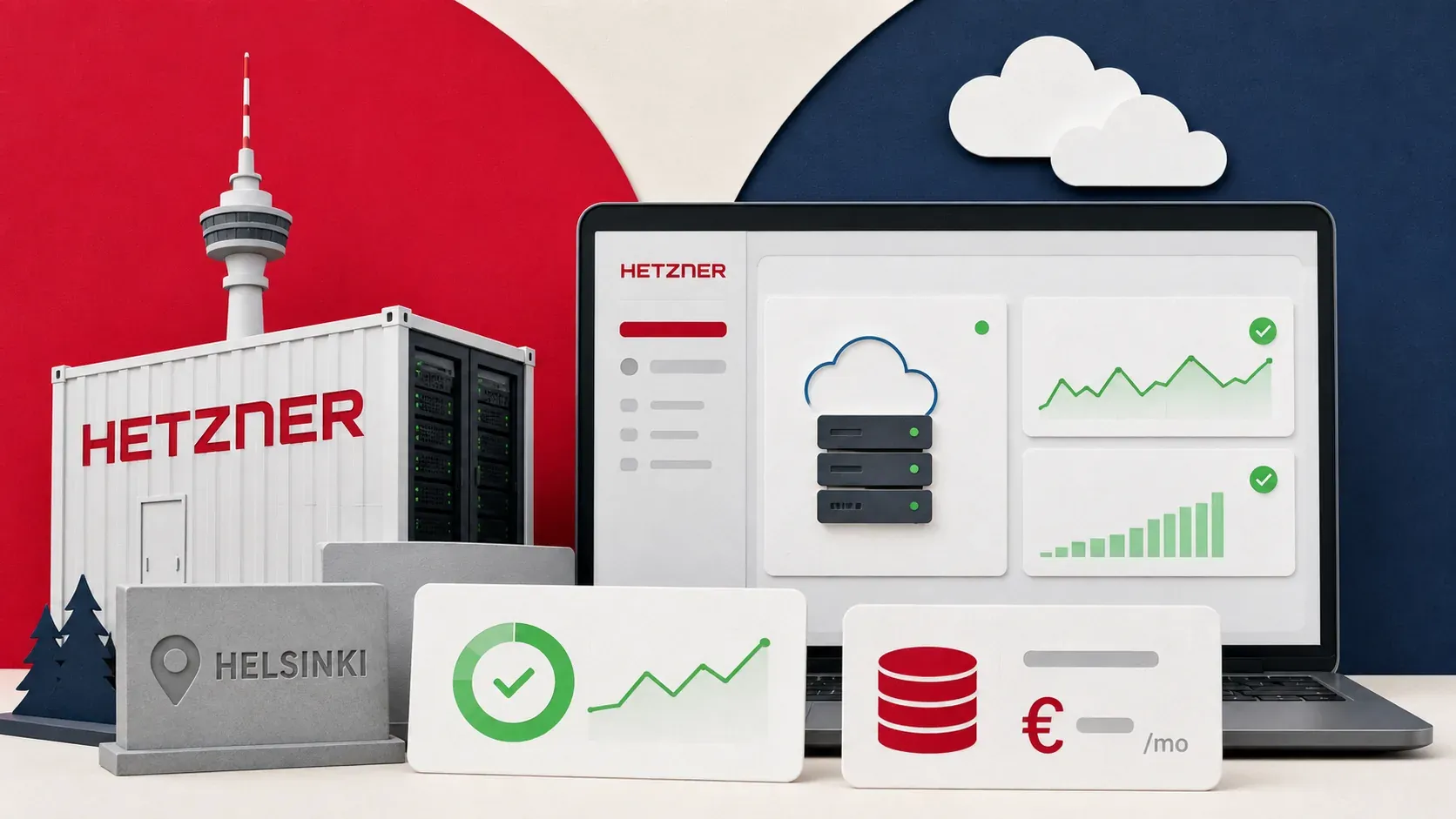
I've been running the entire ByteGuard stack on a Hetzner CPX22 in Helsinki for months. Ghost blog, Nginx Proxy Manager, Uptime Kuma, Vaultwarden, WireGuard — all on a single VPS. This isn't a spec-sheet comparison or a regurgitation of their marketing page. This is a Hetzner review based on actual daily use, real benchmarks, and real support interactions.
If you're shopping for a VPS for self-hosting, development, or a small production workload, here's what you need to know about Hetzner Cloud in 2026.
What I'm Running
My setup for context:
- Plan: CPX22 (3 vCPU AMD, 4GB RAM, 80GB NVMe SSD)
- Location: Helsinki, Finland (eu-central)
- OS: Ubuntu 24.04 LTS
- Workload: 6 Docker containers (Ghost, NPM, Uptime Kuma, Vaultwarden, WireGuard, plus occasional tools)
- Monthly cost: €5.39/month (billed hourly)
I chose Hetzner over DigitalOcean, Vultr, and Contabo. I documented the full comparison in my VPS comparison post, and walked through the initial setup in my building ByteGuard guide.
Performance Benchmarks
These are real numbers from my CPX22, not theoretical maximums.
Disk I/O
fio --name=write --ioengine=libaio --rw=write --bs=1M --size=1G --numjobs=1 --runtime=10 --group_reporting
fio --name=read --ioengine=libaio --rw=read --bs=1M --size=1G --numjobs=1 --runtime=10 --group_reporting
| Metric | Result |
|---|---|
| Sequential write | 1.1 GB/s |
| Sequential read | 788 MB/s |
| Random 4K write (IOPS) | ~45,000 |
| Random 4K read (IOPS) | ~52,000 |
These are NVMe numbers. For comparison, my Contabo VPS with "SSD" storage gets 1.0 GB/s write and 1.1 GB/s read — but the random IOPS tell the real story. Hetzner's NVMe consistently outperforms in real workloads where random I/O matters (databases, Docker overlay storage).
CPU Performance
openssl speed -evp aes-256-gcm
| Metric | Result |
|---|---|
| AES-256-GCM throughput | ~10.24 GB/s |
| CPU model | AMD EPYC (Genoa) |
The EPYC Genoa processors Hetzner uses are current-gen server CPUs. The AES-NI performance is excellent — relevant for VPN, SSL termination, and encrypted storage. For comparison, Contabo's older EPYC processors hit about 3.05 GB/s on the same test.
Network
speedtest-cli --simple
| Metric | Result |
|---|---|
| Download | ~920 Mbps |
| Upload | ~890 Mbps |
| Ping to Frankfurt | ~12ms |
| Ping to New York | ~110ms |
Hetzner includes 20TB of outbound traffic per month on the CPX22. For a blog and a handful of services, I've never come close to using even 1% of that. Inbound traffic is unlimited and free.
Pricing Breakdown
Hetzner Cloud pricing as of 2026:
| Plan | vCPU | RAM | SSD | Traffic | Price |
|---|---|---|---|---|---|
| CX22 | 2 (Intel) | 4GB | 40GB | 20TB | €3.99/mo |
| CPX22 | 3 (AMD) | 4GB | 80GB | 20TB | €5.39/mo |
| CPX32 | 4 (AMD) | 8GB | 160GB | 20TB | €8.49/mo |
| CPX42 | 8 (AMD) | 16GB | 240GB | 20TB | €15.99/mo |
The CPX (AMD) line offers better performance per euro than the CX (Intel) line. The AMD EPYC processors consistently benchmark higher, and you get more SSD storage at the same price point.
Hidden costs? Almost none. Snapshots are €0.012/GB/month. Floating IPs are €0.50/month. Load balancers start at €5.39/month. But for a self-hosting setup, the base VPS price is likely all you'll pay.
Billing: Hourly, capped at the monthly price. Spin up a server, test for 3 hours, destroy it, pay cents. This is great for experimentation.
Dashboard and UX
The Hetzner Cloud Console is minimal but functional. It's not as polished as DigitalOcean's, but it has everything you need:
- Server management — start, stop, reboot, resize, rebuild
- Networking — private networks, floating IPs, firewall rules
- Snapshots — create, restore, schedule
- Graphs — CPU, disk I/O, network (basic but useful)
- Console — web-based VNC console for emergency access (saved me once when I locked myself out of SSH)
What I appreciate:
- Fast provisioning. A new server is ready in under 30 seconds.
- Firewall rules in the cloud console. These apply at the network level, before traffic reaches your VPS. Combined with UFW on the server, it's defense in depth.
- API and CLI. The
hcloudCLI tool handles everything the dashboard does. Useful for scripting and automation.
What I wish was better:
- No managed databases. DigitalOcean and Vultr offer managed PostgreSQL/MySQL. Hetzner doesn't. For self-hosters this doesn't matter (you run your own), but it's a gap in the product line.
- Monitoring is basic. The built-in graphs show CPU, disk, and network at a high level. No alerting, no custom metrics. I use Uptime Kuma instead.
- Two-factor auth is SMS-only. In 2026, not offering TOTP for account security is a miss. Use a strong, unique password and watch your account email.
Support Experience
I've contacted Hetzner support twice:
- Network routing issue (Helsinki DC) — submitted ticket at 2am, got a human response in 4 hours, issue resolved in 6. Not instant, but competent and professional.
- Billing question about snapshot costs — responded within 2 hours with a clear breakdown.
Support is ticket-based only. No live chat, no phone. For the price point, this is expected. The responses are technical and direct — no "have you tried restarting?" tier-1 scripts.
The community forum is also active and helpful for non-urgent questions.
Pros
- Price-to-performance ratio is unbeatable. The CPX22 at €5.39/month with AMD EPYC, NVMe storage, and 20TB traffic competes with providers charging 2-3x more.
- Honest resource allocation. No "burstable" CPU nonsense. What you see is what you get. The 3 vCPUs on my CPX22 are consistently available.
- European data centers with GDPR compliance. Helsinki, Falkenstein, Nuremberg, Ashburn (US). All EU data centers are GDPR-compliant, which matters if you host anything with user data.
- 20TB traffic included. Most self-hosters will never hit this. DigitalOcean includes less and charges for overages.
- Hourly billing. Spin up, test, destroy. No commitment.
Cons
- Limited US presence. Only Ashburn (Virginia). If your audience is primarily US West Coast or Asia-Pacific, latency will be noticeable. Consider Vultr or DigitalOcean for those regions.
- No managed services. No managed databases, no managed Kubernetes (they have basic k8s but it's not fully managed), no app platform. You manage everything yourself.
- SMS-only 2FA. A genuine security concern for your hosting account. Mitigate with a strong password and monitoring for unauthorized access.
- Support is slow for urgent issues. If your production server is down at 3am, a 4-hour response time feels long. Enterprise users should look elsewhere.
- Community/ecosystem is smaller than DigitalOcean. Fewer one-click apps, fewer tutorials, fewer integrations. This matters less if you're comfortable with manual setup.
Who Should Use Hetzner
- Self-hosters running Docker stacks on a budget. This is Hetzner's sweet spot.
- Developers who need cheap, powerful VMs for testing and side projects.
- Small businesses in Europe who need GDPR-compliant hosting.
- Anyone who wants the most compute per dollar and is comfortable managing their own server.
Who Should Skip Hetzner
- Beginners who want managed services, one-click deploys, and hand-holding. DigitalOcean's App Platform is better for that.
- US-focused products needing low-latency West Coast or Asia presence.
- Enterprise teams needing guaranteed SLAs, phone support, and managed infrastructure. Look at AWS, GCP, or a managed provider.
Troubleshooting
Problem: Server unreachable after creation. Cause: Cloud firewall blocking SSH or your IP. Fix: Check Hetzner Cloud Console → Firewall Rules. The default firewall blocks everything. Add a rule allowing SSH (port 22/tcp) from your IP.
Problem: Slow disk I/O compared to benchmarks. Cause: Using local SSD storage instead of NVMe, or noisy neighbors. Fix: Verify you're on a CPX (AMD) plan, not CX (Intel). The CPX line uses newer hardware. If performance is consistently below spec, contact support — you might be on degraded hardware.
Problem: Can't connect to web console. Cause: Browser blocking popups or WebSocket connections. Fix: Allow popups from console.hetzner.cloud. Try a different browser. The console uses VNC over WebSocket.
Verdict
Hetzner is my default recommendation for anyone self-hosting on a budget. The CPX22 at €5.39/month punches well above its weight — AMD EPYC, NVMe storage, generous traffic, and honest resource allocation.
It's not perfect. The US presence is limited, managed services are nonexistent, and support is slower than premium providers. But for the self-hosting audience — people who enjoy running their own infrastructure — these trade-offs are acceptable.
I run my entire blog, monitoring, VPN, and password manager on a single Hetzner CPX22. Total monthly cost: €5.39. That's less than a Notion subscription.
My recommendation: Start with a CPX22. If you outgrow it, resize to CPX32 in the dashboard — it takes about 30 seconds and preserves all your data.
Get started with Hetzner Cloud →
For a deeper comparison with Contabo and Vultr, check my VPS comparison post. And if you're setting up a new server from scratch, start with my building ByteGuard guide.
Comments
Sign in with GitHub to comment. Threads live in the byteguard-comments repo.